
Want to learn how to check IPO results without any trouble? Don’t worry, we’ve made it super easy for you! On this page, you’ll find a simple step-by-step guide to help you check your IPO results on your own, without any stress.
To check the result of the IPO on CDSC, Follow the below steps:
Step 1: Visit the official site (https://iporesult.cdsc.com.np/) to check the results of the IPO. After that, the given screen will appear. (आईपीओको नतिजा हेर्न आधिकारिक साइटमा जानुहोस्। त्यसपछि, दिइएको स्क्रिन देखा पर्नेछ।)
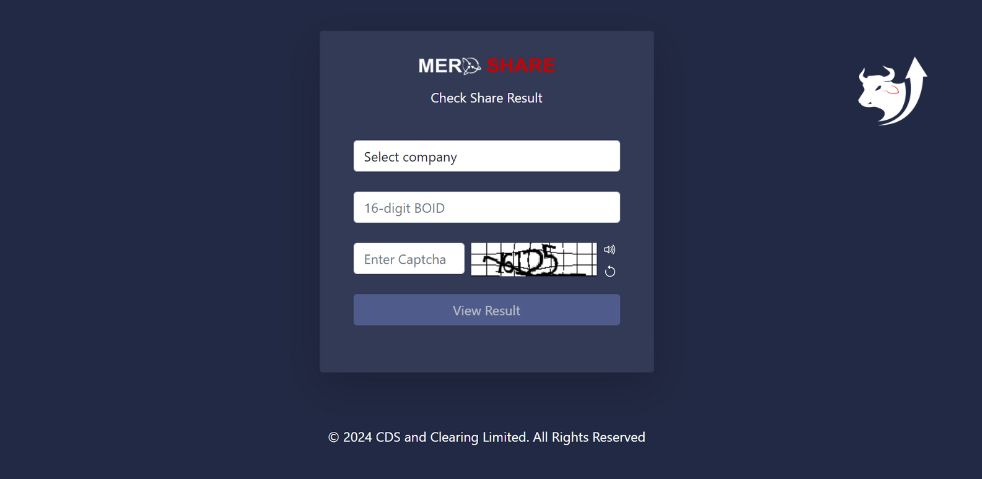
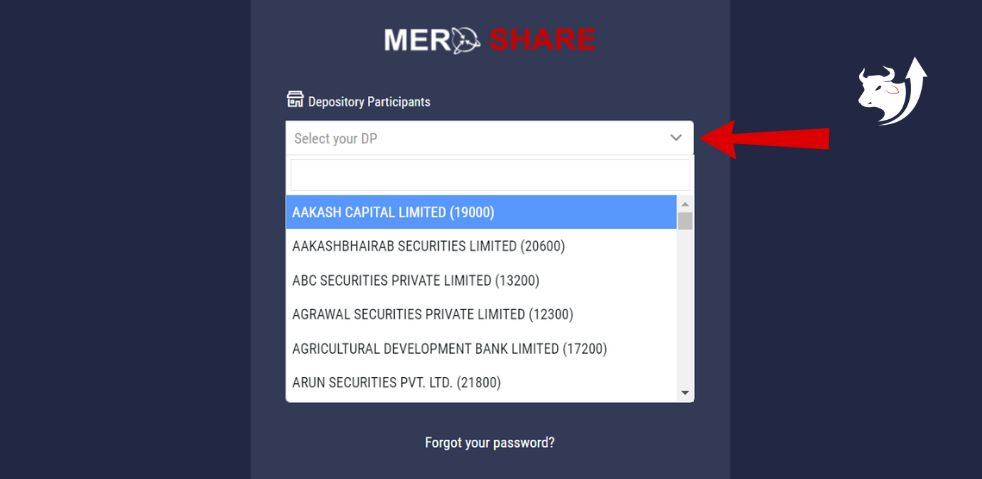
Step 2: Select your IPO-applied company name. For eg: Jyoti Life Insurance Ltd. (तपाईले आईपीओ भरेको कम्पनीको नाम छान्नुहोस।)
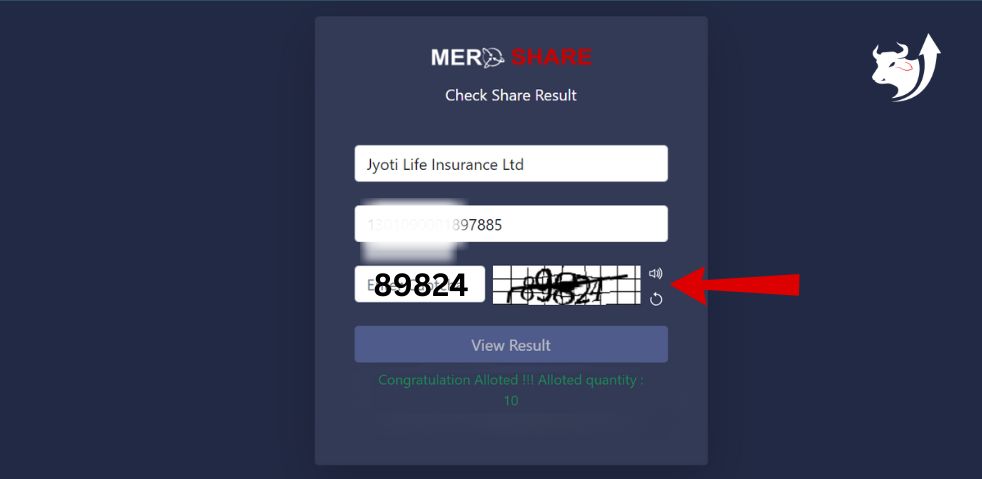
Step 3: Enter the 16-digit BOID number provided by the bank. (बैंक द्वारा प्रदान गरिएको 16-अंकको BOID नम्बर लेख्नु होस।)
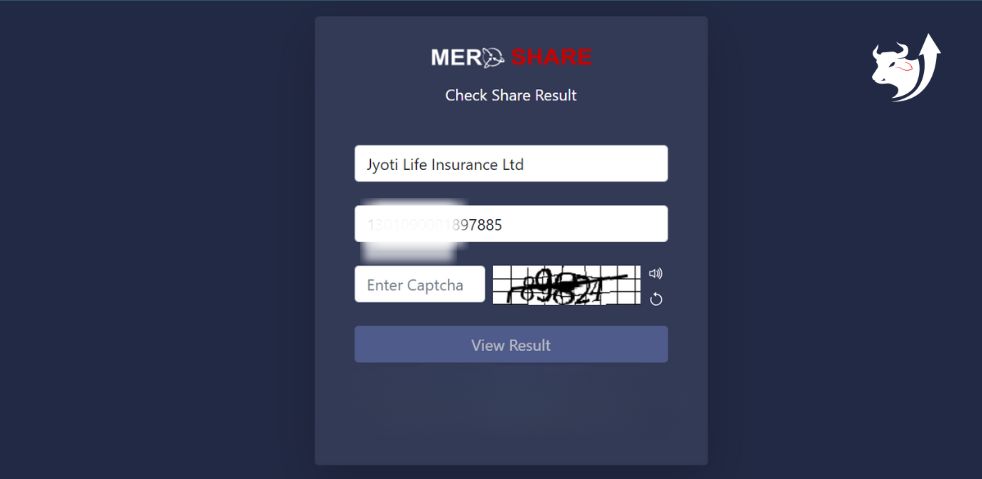
Step 4: Enter the provided captcha. (प्रदान गरिएको “क्याप्चा” टाइप गर्नुहोस्।)
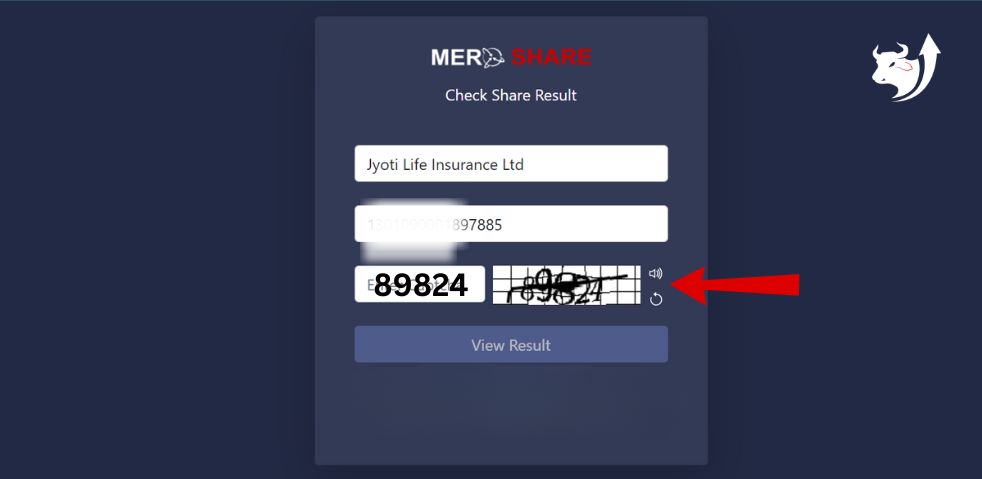
Step 5: Click ”View Result”, then you will be informed if you have been allocated an IPO share. As shown below. (“View Result” मा क्लिक गर्नुहोस्, त्यसपछि तपाईंलाई आईपीओ शेयर परेको छ कि छैन सूचित गरिनेछ।)